Login
Log into Schedagent
To log in to your existing SchedAgent account, use the Administrator Dashboard URL provided by email and navigate in your favorite internet browser. You’ll then be prompted to enter your email and password. After entering your password, click “Continue” to access your SchedAgent account.
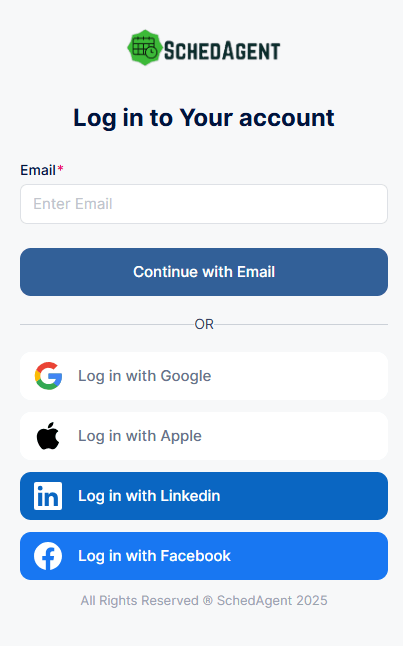
Logging in through this page works for all users (admins, superadmins, and employees) but not your customers. If you allow only registered users or a combination of registered or guest users through your Customize section, registered users will need to visit the booking website and log in there.
For example https://johnsbarbershop.schedagent.com/login/
Forgot password
If you can’t remember your password, don’t worry. Click on the “Get Help” option next to “Forgot your password?” and enter the email on SchedAgent account sign up. Click “Reset”.
Since the email is automatically checked when you enter it in the previous step, you’ll already know whether the email you’ve entered is correct or not but please take care if you have multiple accounts and emails. Once the “Reset” button is clicked, we will send you an email with a link to set up a new password. Once you have the new password, you can use it along with your email to access your admin dashboard.